
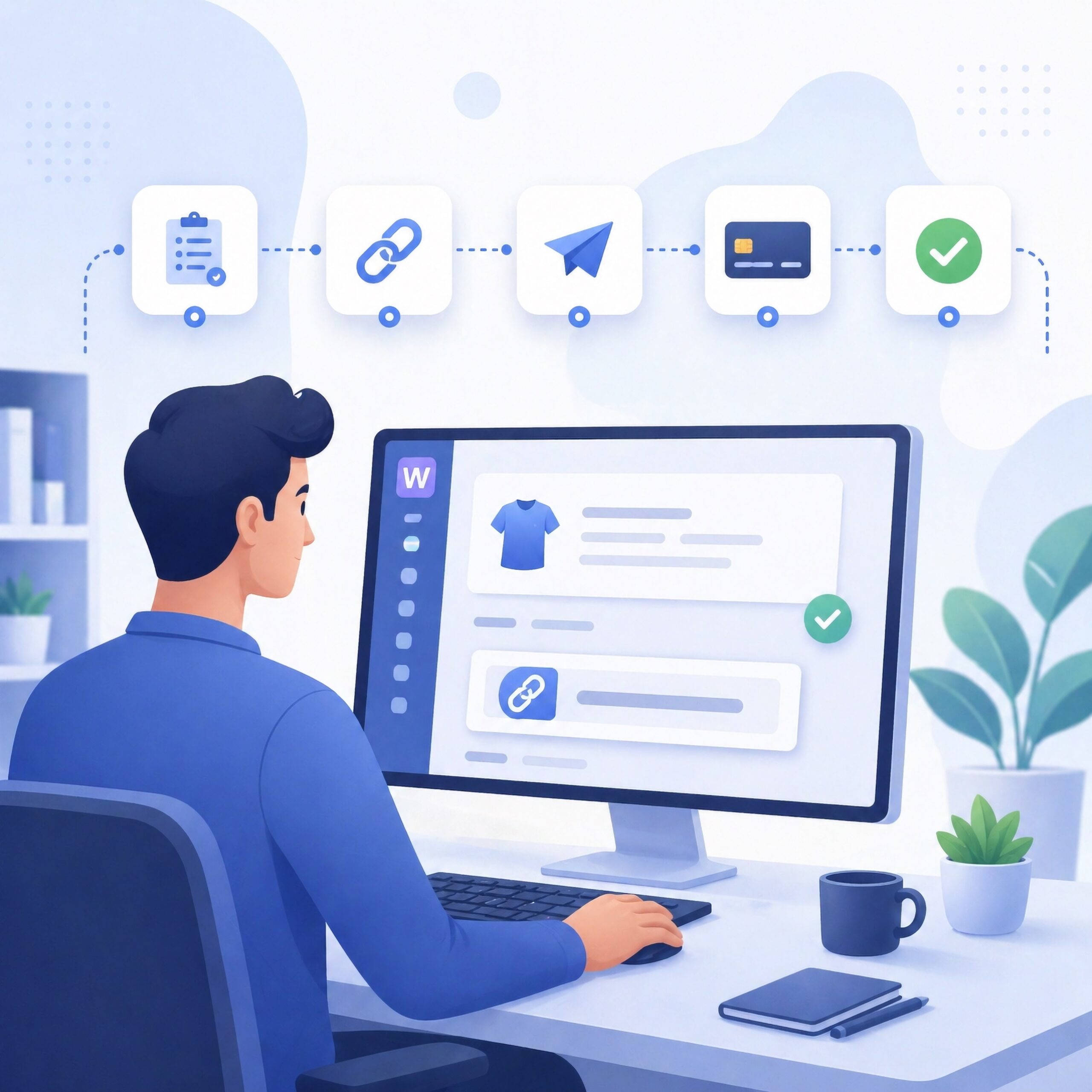
WooCommerce payment links are not a replacement for checkout — they are an extension of it. They allow merchants to collect payments outside of the traditional cart flow when a standard checkout session is no longer practical. This includes invoices, abandoned carts, subscription renewals, and manual billing scenarios where requiring a customer to restart checkout introduces unnecessary friction.
Key Highlights
- Payment links allow customers to pay without using WooCommerce checkout
- No cart rebuild or login is required
- Used for invoices, abandoned cart recovery, and manual billing
- Improves conversion by removing checkout friction
- Works alongside — not instead of — standard checkout flows
Quick Answer: What Are WooCommerce Payment Links?
A WooCommerce payment link is a secure, tokenized URL that allows a customer to complete payment for an order without going through the standard checkout process.
The link is tied to an existing order and opens a direct payment session, eliminating the need for cart reconstruction, login, or navigation through the storefront.
WooCommerce Payment Links vs Standard Checkout
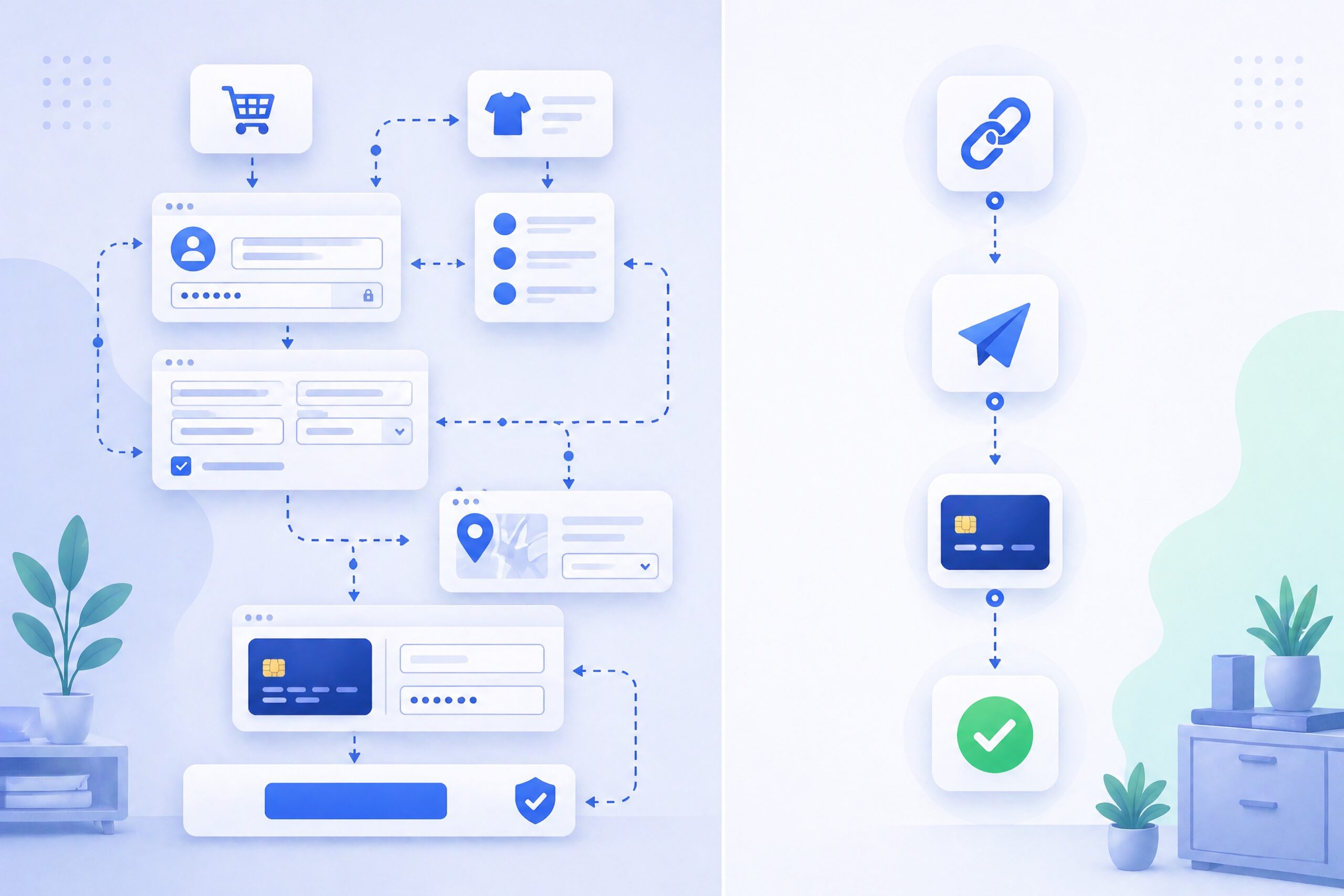
| Feature | Payment Links | Standard Checkout |
|---|---|---|
| Cart Required | No | Yes |
| Login Required | No | Often |
| Delivery Method | URL via email, SMS, invoice, or message | On-site checkout form |
| Best For | Invoices, recovery, manual billing | Standard ecommerce purchases |
| Friction Level | Low | Medium to High |
| Customer Flow | Direct to payment | Multi-step checkout |
How WooCommerce Payment Links Work
- Order is created
An order is generated in WooCommerce manually or through checkout. - Payment link is generated
A unique, secure URL is created and tied to that order. - Link is sent to the customer
Delivered via email, invoice, SMS, or messaging. - Customer opens the link
They are taken directly to a payment page. - Payment is completed
The customer enters payment details or completes a hosted checkout. - Order updates automatically
WooCommerce marks the order as paid after confirmation.
In WooCommerce, these links typically follow a predictable structure:
/checkout/order-pay/{ORDER_ID}/?pay_for_order=true&key={ORDER_KEY}This URL structure is what allows WooCommerce to securely map a payment session back to a specific order without requiring a login.
Why This Matters for Merchants
According to Baymard Institute, average cart abandonment rates approach 70%, with checkout friction being a leading cause.
Additionally, internal ecommerce benchmarks consistently show that simplified payment flows — such as direct payment links — can improve recovery rates by 10–30% compared to standard cart re-entry emails, depending on customer intent and timing.
Payment links reduce the number of steps between intent and completion. Instead of asking customers to return to checkout, they provide a direct path to payment.
Common Use Cases for WooCommerce Payment Links
1. Abandoned Cart Recovery
Send a payment link instead of asking customers to restart checkout.
2. Invoicing
Create an order and send a payment request for services or custom pricing.
3. Manual Orders
Handle phone, email, or offline transactions without using the storefront.
4. Deposits & Partial Payments
Collect payments for custom work or staged billing.
5. Subscription Renewals
Send a payment link when automatic billing is not available.
Limitations of WooCommerce Payment Links
Payment links are powerful but not universal. Understanding their limitations is critical for proper implementation.
- Links may expire depending on configuration
- Customers must access the link (email delivery matters)
- Does not replace full ecommerce checkout for browsing-based purchases
- May introduce provider-level requirements depending on payment method
When WooCommerce Payment Links Make Sense (And When They Don’t)
Best Fit
- Manual billing workflows
- High-value transactions requiring direct follow-up
- Recovering abandoned checkouts
- Service-based businesses using WooCommerce
Less Ideal
- High-volume impulse ecommerce
- Fully automated checkout environments
- Stores relying entirely on browsing-driven purchases
How to Generate a WooCommerce Payment Link
At a platform level, generating a payment link follows a consistent process:
- Create or open an order in WooCommerce
- Set pricing, products, and customer details
- Save the order
- Locate the “Order actions” or “Payment” section
- Use the built-in “Pay” or “Customer payment page” link
- Send the URL to the customer
WooCommerce provides this functionality natively through order payment pages, which are documented here: https://woocommerce.com/document/woocommerce-checkout/
How Payment Links Fit Into a WooCommerce Stack
Payment links function as a secondary execution layer within a WooCommerce payment stack.
Instead of replacing checkout, they sit alongside it and handle scenarios where checkout is inefficient or unavailable.
In a typical architecture:
- WooCommerce manages product catalog and order creation
- Checkout handles standard transactions
- Payment links handle recovery, invoicing, and manual billing
- Payment providers process transactions and handle authorization
Modern implementations extend this further by integrating hosted checkout providers, where the payment step is handled externally and then reconciled back into WooCommerce.
This is similar to how Stripe Payment Links operate, where the storefront and payment execution are decoupled.
If you want to understand how this extends into routing-based payment systems, this guide explains the full model: https://verifiedcryptocheckout.com/what-is-crypto-checkout/
Extending WooCommerce Payment Links With Hosted Providers
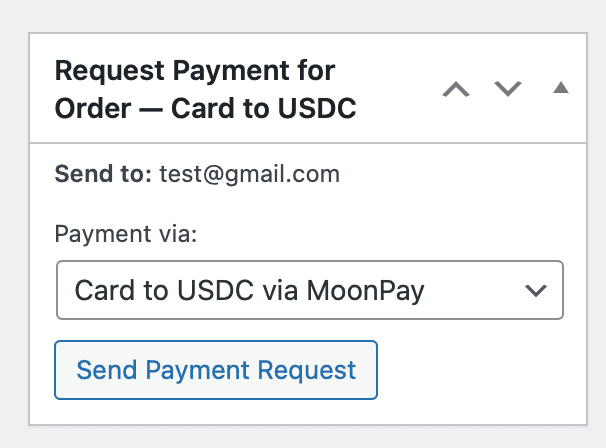
Send Payment Links with VERIFIED Crypto Checkout
Payment links become more useful when they connect WooCommerce orders to hosted payment providers instead of relying only on native checkout behavior.
In this model, WooCommerce remains the order system, while the hosted provider handles the payment session, authorization, and provider-side requirements. This keeps the storefront lightweight while allowing payment collection to happen through a separate, purpose-built checkout environment.
Within VERIFIED Crypto Checkout, payment links are generated directly from WooCommerce orders and routed through hosted providers that handle payment authorization and settlement.
This allows merchants to:
- Collect payments without relying entirely on traditional checkout
- Route transactions through supported hosted providers
- Use payment links for recovery, invoices, and manual billing
- Extend WooCommerce beyond standard card-processing limitations
For implementation details and supported workflows, you can explore:
Get Started
If you are using WooCommerce and need a more flexible way to collect payments — whether for invoices, recovery, or subscriptions — payment links provide a practical, low-friction solution.
You can implement this directly within WooCommerce using VERIFIED Crypto Checkout to generate secure payment links tied to orders and integrate them into your workflows.
Download the VERIFIED Crypto Checkout plugin and start using payment links inside WooCommerce.
Frequently Asked Questions
What is a WooCommerce payment link?
A WooCommerce payment link is a secure URL tied to a specific order that allows a customer to complete payment without going through the full checkout process. Instead of rebuilding a cart or logging in, the customer clicks the link and is taken directly to a payment page. This makes it especially useful for invoices, abandoned carts, and manual billing scenarios where speed matters.
Do WooCommerce payment links improve conversion rates?
Yes, in many cases they improve conversion rates by reducing friction at the payment step. Research from Baymard Institute shows that checkout friction is a major contributor to cart abandonment. By removing steps like login and cart navigation, payment links allow high-intent customers to complete purchases faster, which can significantly increase recovery rates.
How do WooCommerce payment links work technically?
WooCommerce payment links are generated as order-specific URLs that include parameters like the order ID and a secure order key. When a customer visits the link, WooCommerce validates the key and loads a payment page for that specific order. This allows payment to be completed without requiring a full checkout session or user login.
About the Author: Brad Ungar
