
Offer Zelle, Cash App and Venmo Checkout Without Three Plugins

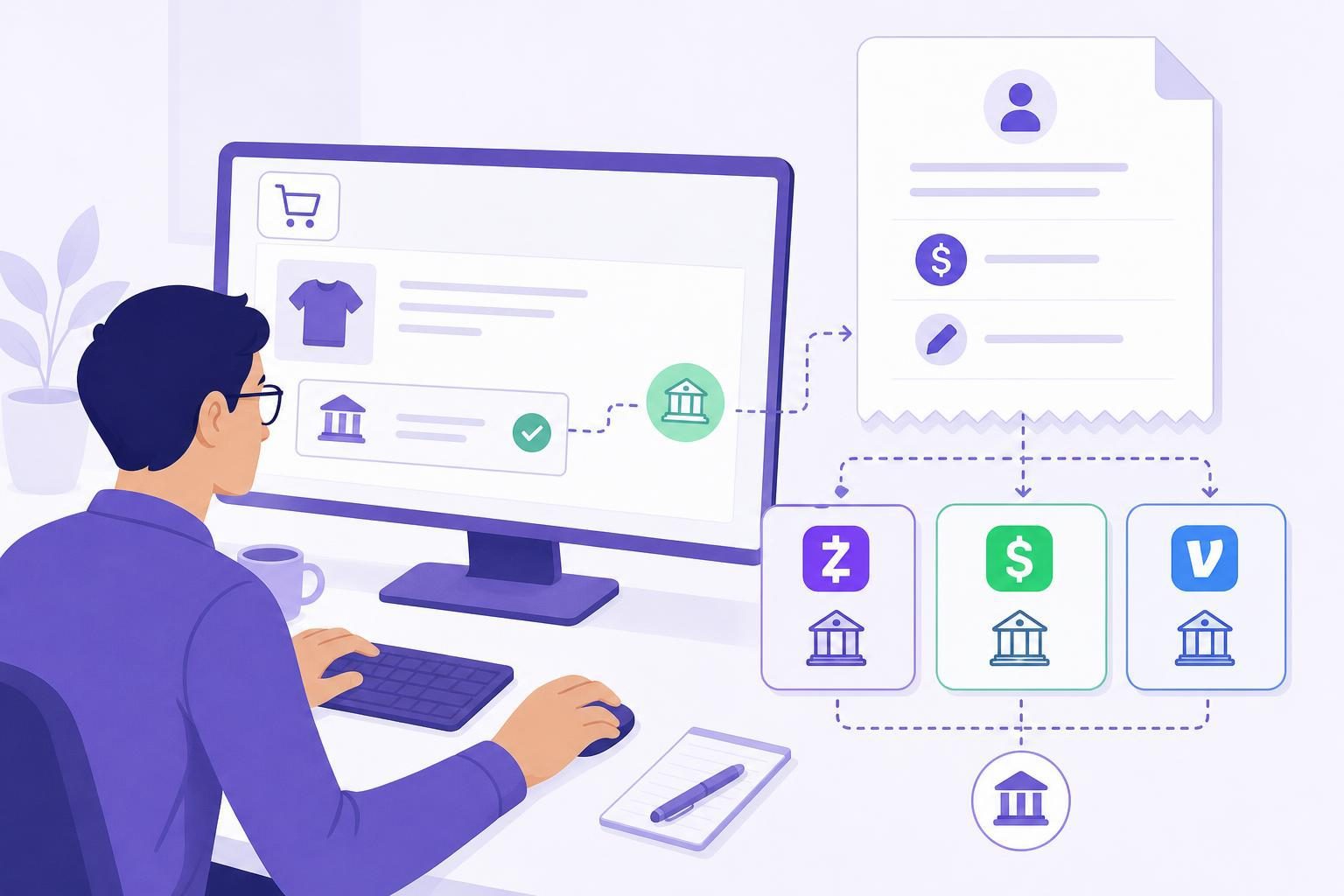
VERIFIED Crypto Checkout adds WooCommerce Zelle payment instructions, plus Cash App and Venmo, as optional methods in one free plugin. The main tradeoff is manual confirmation. Your customer pays you directly outside WooCommerce, then you check your receiving account before you move the order forward.
These are USD-only direct-payment methods, not crypto checkout. VERIFIED never marks an order paid for you.
- Three direct-payment methods in one free plugin.
- Classic and Blocks checkout both work with the plugin.
- A unique memo helps match each transfer to the right WooCommerce order.
- Funds go directly to you — never through VERIFIED.
- Clear order instructions help customers send the right details.
- A Manual Payments queue keeps reviews organized while you manage direct transfers in your own account.
Compatible with WooCommerce — Works With Major Providers
Flexible Card Payments. Branded Payment Confirmation. Direct Wallet Settlement.
Includes a merchant-branded Thank-You Page with a live payment waiting room and detailed receipt, Subscription Products, Automated Checkout Recovery, Payment Links, and In-Person QR Payments.
VERIFIED connects your WooCommerce store to secure third-party hosted checkout providers. Customers complete payment on the provider’s hosted page, while the optional branded waiting room monitors the WooCommerce order and becomes a receipt when payment is confirmed.
Settlement is delivered directly to your configured wallet. WooCommerce records the order status, transaction details, and available on-chain tracking data for fulfillment and reconciliation.




Add Free Zelle, Cash App and Venmo Methods to WooCommerce
Install the free plugin, enable one USD-only method, enter your recipient details, set a payment window and limits, then place a small test order before publishing it.
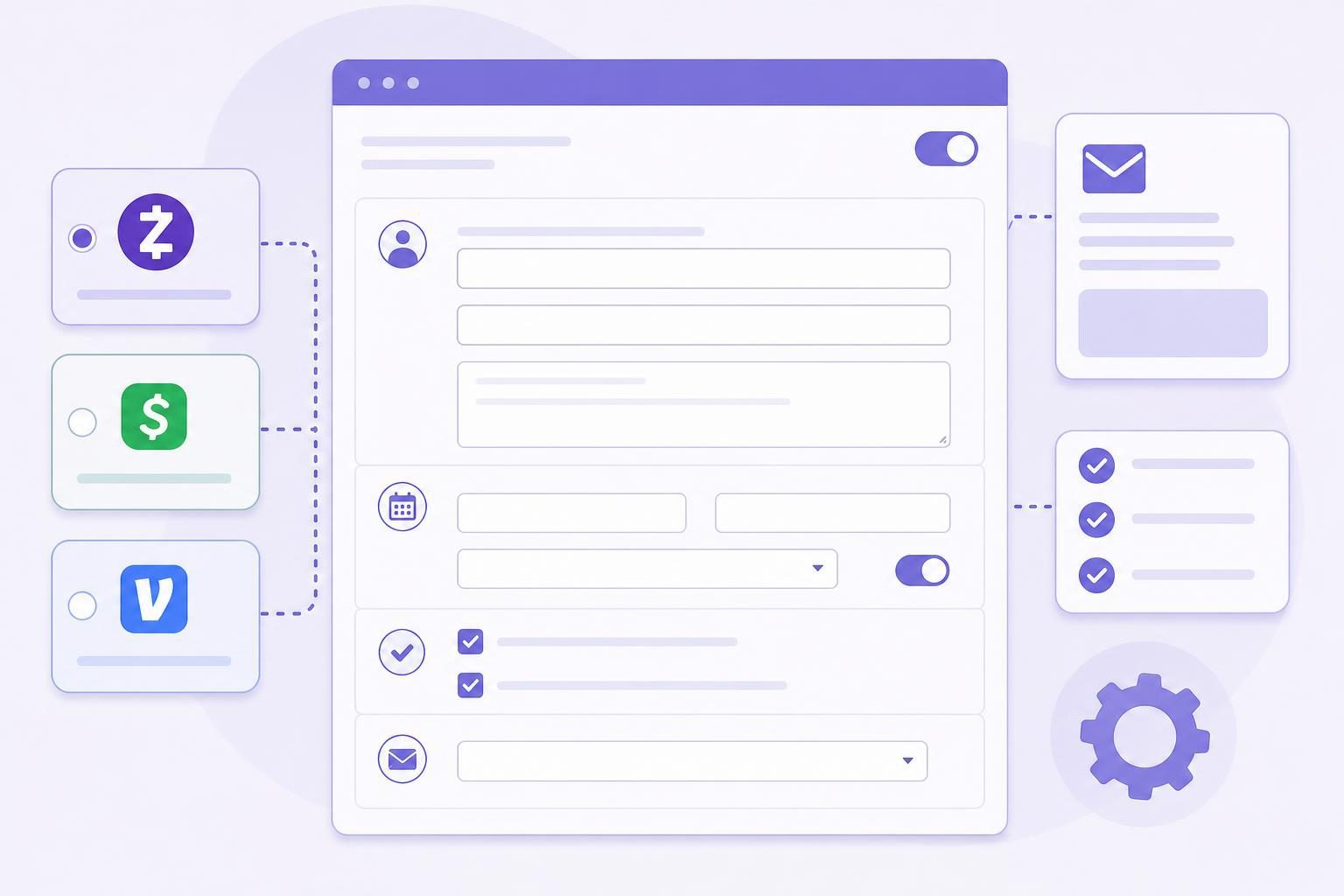
A direct-payment checkout should remove ambiguity, not add it. Your customer sees the details needed to send the right amount to the right recipient, with a memo that ties the transfer to the WooCommerce order.
The order page and customer email can show your recipient details, USD amount, unique memo, deadline, and Copy buttons. Cash App and Venmo can include an Open button. The transfer happens outside your WooCommerce site.
On hold: After checkout, WooCommerce keeps the order On hold while you check for payment. On hold means the order needs your decision; it does not mean payment failed or succeeded.
Customer says payment was sent: Your customer can select I sent the payment to notify you. Your customer-says-paid email gives you the same prompt to review the order.
Payment confirmed: After you locate a matching payment and select Confirm, WooCommerce moves the order forward under your normal workflow.
If a customer needs help, send them back to the order instructions and ask for the order number and memo. Outside services control their own timing, limits, and reviews, so do not promise an arrival time.
See WooCommerce’s official explanation of order statuses.
Clear boundaries matter with direct payments. The plugin organizes your WooCommerce workflow, but it does not sit inside your customer’s outside payment service or your receiving account.
- WooCommerce creates your order, records its status, and runs your usual fulfillment workflow.
- VERIFIED Crypto Checkout adds the optional methods, unique memo, instructions, queue, filters, notifications, and audit trail.
- Your customer’s chosen P2P service is where your customer sends money directly to you under that service’s own terms.
- You monitor your receiving account and manage the order under your own payment and fulfillment process.
- Your customer uses the recipient, amount, and memo shown for the order, then may alert you that payment was sent.
- The order audit trail records relevant manual-payment actions in WooCommerce order history.
Importantly, VERIFIED does not connect to these services or process, verify, or guarantee these payments. It does not custody funds — that is, hold your money in an account VERIFIED controls. Your confirmation remains the paid decision.
For current setup material, open the documentation hub, What Is VERIFIED Crypto Checkout?and WooCommerce’s guide to order statuses.
Start in WooCommerce → VERIFIED Crypto Checkout. Enable one method, enter your recipient details, set the payment window and any total limits, then place a small test order before you make the method available to customers.
Minimum and maximum totals: Optional minimum and maximum totals limit a manual method to the order range you are prepared to review. Above your maximum, the method does not appear for that order; offer another available method or ask the customer to contact you rather than asking them to split or disguise a payment.
Payment window: Choose a window based on how often you check your receiving account. The deadline appears in customer instructions. On hold orders reduce stock, so every unconfirmed direct-payment order holds inventory until you confirm or cancel it.
Automatic cancellation: If enabled, unpaid orders can cancel after your configured window. This helps prevent unconfirmed orders from holding inventory indefinitely. Choose a window you can review consistently and decide how you will handle a late transfer.
Editable emails:
You can edit five emails: customer instructions, reminder, and payment not found, plus your new-order and customer-says-paid notices. Keep them factual. Include the order number and memo, and do not ask buyers to label a business sale as a personal transfer. Review your store privacy policybefore deciding what payment-identifying information staff should record or email.

Cash App personal accounts: Eligible sole proprietors may be able to use Cash App Earn in P2P. Cash App determines eligibility and terms, not VERIFIED. Check current terms before offering the method.
Venmo personal accounts: Where a buyer uses a personal Venmo account for a purchase, the buyer should tag the transaction as a purchase when required by the service. Never encourage a customer to disguise a sale as personal.
Zelle: A business arrangement is recommended when you receive business payments. Follow the current terms offered by your bank or Zelle access point.
Recipient details: Use recipient details you control and can monitor. Test the memo, customer email, your notices, and cancellation behavior with a small unpaid WooCommerce order before publishing.
When service terms, account eligibility, or permitted business use are unclear, ask the relevant service or financial institution. A plugin setting cannot establish whether a particular account or transaction will be accepted. VERIFIED supplies your WooCommerce workflow; you remain responsible for following the outside service’s current terms. Zelle, Cash App and Venmo are trademarks of their respective owners. VERIFIED is not affiliated with or endorsed by them.
A separate plugin can be the better choice when it supports a method you need better, its operating model fits your business, or you are comfortable with its review process. Compare the actual listing and documentation before switching.
Methods covered: Does the alternative cover all three services or only one? VERIFIED includes Zelle, Cash App and Venmo. Paid tier: Are the features you need behind an upgrade? VERIFIED has no Pro tier and no VERIFIED fee on these orders. Who marks it paid: Who can change the WooCommerce order status? With VERIFIED, you make that decision after your review. Account access: Does the alternative request inbox or bank access? VERIFIED does not read your inbox or bank activity. Order matching: Does it provide a unique memo and a practical review workflow? VERIFIED includes a Manual Payments queue, search, badges, filters, and one-click Confirm.
For current setup and testing guidance, open the documentation hub at verifiedcryptocheckout.com/documentation. Install VERIFIED Crypto Checkout free from WordPress.org at wordpress.org/plugins/verified-crypto-checkout when you are ready to test it.
If manual direct payments are not the right fit, the same plugin also offers a separate card-to-crypto checkout route. Customers can pay by card, Apple Pay, or Google Pay through independent hosted providers, with settlement designed to go to your merchant-controlled wallet as USDC on Polygon under current plugin documentation. Some live pages describe additional hosted-flow payout assets; check current documentation for your route rather than assuming those assets apply. First use at a provider may require government ID and a liveness check. Debit works best for many customers because some credit cards may charge cash-advance fees. VERIFIED charges a 4% infrastructure fee, and providers charge separate conversion fees. Approval is not guaranteed.
Zelle, Cash App and Venmo Checkout FAQs
| Question | Answer |
|---|---|
| Is the Zelle, Cash App and Venmo feature free? | Yes. These optional USD-only manual-payment methods are included in the free VERIFIED Crypto Checkout plugin. There is no Pro tier and no VERIFIED fee on these orders. The outside service may have its own terms, limits, or fees. |
| Does VERIFIED process or verify a Zelle, Cash App or Venmo payment? | No. VERIFIED supplies WooCommerce instructions and manual-review tools. It does not process or verify these outside payments, connect to the services, read your financial activity, or custody funds — that is, hold your money in an account VERIFIED controls. |
| What happens after a customer places a direct-payment order? | WooCommerce places the order On hold. Your customer sees your recipient details, amount, unique memo, and deadline on the order page and email. You review your receiving account and confirm the order after finding a match. |
| What does the unique memo do? | A memo such as VZL-1847-X7KQ gives your buyer a reference to include with payment and gives you a practical way to match it to the WooCommerce order. It helps matching; it does not prove payment. |
| Can a customer open Cash App or Venmo from the instructions? | Your instructions can include Open buttons for Cash App and Venmo, along with Copy buttons for the recipient, amount, and memo. Your customer completes any transfer in the relevant outside service. |
| What does I sent the payment mean? | It alerts you that your customer says payment was sent. It does not confirm the order or change the order status. |
| What if you cannot find the payment? | Leave the order unconfirmed, search using the amount, memo, and available sender information, and use the Payment not found email if needed. Do not fulfill solely because a customer claims they paid or sends a screenshot. |
| Can you limit these methods to certain order totals? | Yes. The plugin supports optional minimum and maximum order totals. Set limits based on what you are willing and able to review manually. |
| Can unpaid orders cancel automatically? | Yes. Configure a payment window and automatic cancellation for unpaid orders. Because On hold orders reduce stock, these settings help prevent unconfirmed orders from holding inventory indefinitely. |
| Does the feature work with WooCommerce Blocks checkout? | Yes — the plugin supports both Classic and Blocks checkout. Test your active theme, checkout extensions, and payment settings on a staging site before relying on a checkout change. |
| Can you use a personal account for business sales? | That depends on the outside service and your account eligibility. Cash App may permit eligible sole proprietors through Earn in P2P, Venmo buyers should tag purchases correctly, and a business arrangement is recommended for Zelle. Read current service terms and never suggest labeling a sale as personal. |
| Is this the same as the card-to-crypto checkout option? | No. These are direct, merchant-confirmed USD payment instructions. Card-to-crypto checkout is a separate hosted flow in the same plugin, where independent providers handle card payment and conversion before settlement is designed to reach your merchant-controlled wallet. |
| Does the plugin support HPOS? | Yes — the plugin is HPOS ready. HPOS means WooCommerce High-Performance Order Storage, its newer order-table system. Test your installed plugin version with your store configuration on a staging site before going live. |
| Are Zelle, Cash App and Venmo affiliated with VERIFIED? | No. Zelle, Cash App and Venmo are trademarks of their respective owners. VERIFIED is not affiliated with or endorsed by them. |
| Where do you configure the direct-payment methods? | Configure the methods under WooCommerce → VERIFIED Crypto Checkout. Enter your recipient details, configure the payment window, order limits, email wording, and cancellation behavior, then place a test order before publishing. Open the documentation hub for current configuration steps and separate card-to-crypto checkout guidance. |