
Get Paid in Crypto Without Setting Up Crypto First

A self-custody wallet is the account your sales can settle into, and only you can open it. Create or reconnect one with Privy from WordPress, without first opening an outside wallet app or exchange account, then review and apply its public address to your VERIFIED gateways. The main tradeoff is ownership: you keep the backup yourself. That means VERIFIED cannot recover the wallet or its funds if you lose access and your own backup cannot restore it.
Wallet Setup with Privy is optional and documented as available since VERIFIED Crypto Checkout 1.57.5. VERIFIED charges no separate wallet-setup fee; check your installed version and the current WordPress.org listing before changing a live settlement address.
- Set up from WordPress without first creating an account in a separate wallet app or exchange.
- Confirm address changes before an existing gateway destination is replaced.
- No copy-and-paste handoff between a wallet app and gateway settings.
- Settlement goes to your wallet, not through VERIFIED.
- Keep your own backup with Privy’s export controls.
- Wallet access can continue through the hosted wallet page after you remove the plugin.
Compatible with WooCommerce — Works With Major Providers
Flexible Card Payments. Branded Payment Confirmation. Direct Wallet Settlement.
Includes a merchant-branded Thank-You Page with a live payment waiting room and detailed receipt, Easy Crypto Wallet Creation in Plugin for Free, Subscription Products, Automated Checkout Recovery, Payment Links, and In-Person QR Payments. Also get FREE Zelle, Venmo, & CashApp payments.
VERIFIED connects your WooCommerce store to secure third-party hosted checkout providers. Customers complete payment on the provider’s hosted page, while the optional branded waiting room monitors the WooCommerce order and becomes a receipt when payment is confirmed.
Settlement is delivered directly to your configured wallet. WooCommerce records the order status, transaction details, and available on-chain tracking data for fulfillment and reconciliation.




Install VERIFIED Crypto Checkout and Set Up Your Wallet
Create your wallet inside WordPress for no extra VERIFIED charge.
Use a version that includes Wallet Setup with Privy, complete your backup, and place one small test order before applying an address to a live gateway.
Already installed? Open WooCommerce → VERIFIED Wallet Setup, then read the current setup guide before changing a live gateway.
Install VERIFIED Crypto Checkout from WordPress.org — free to install.
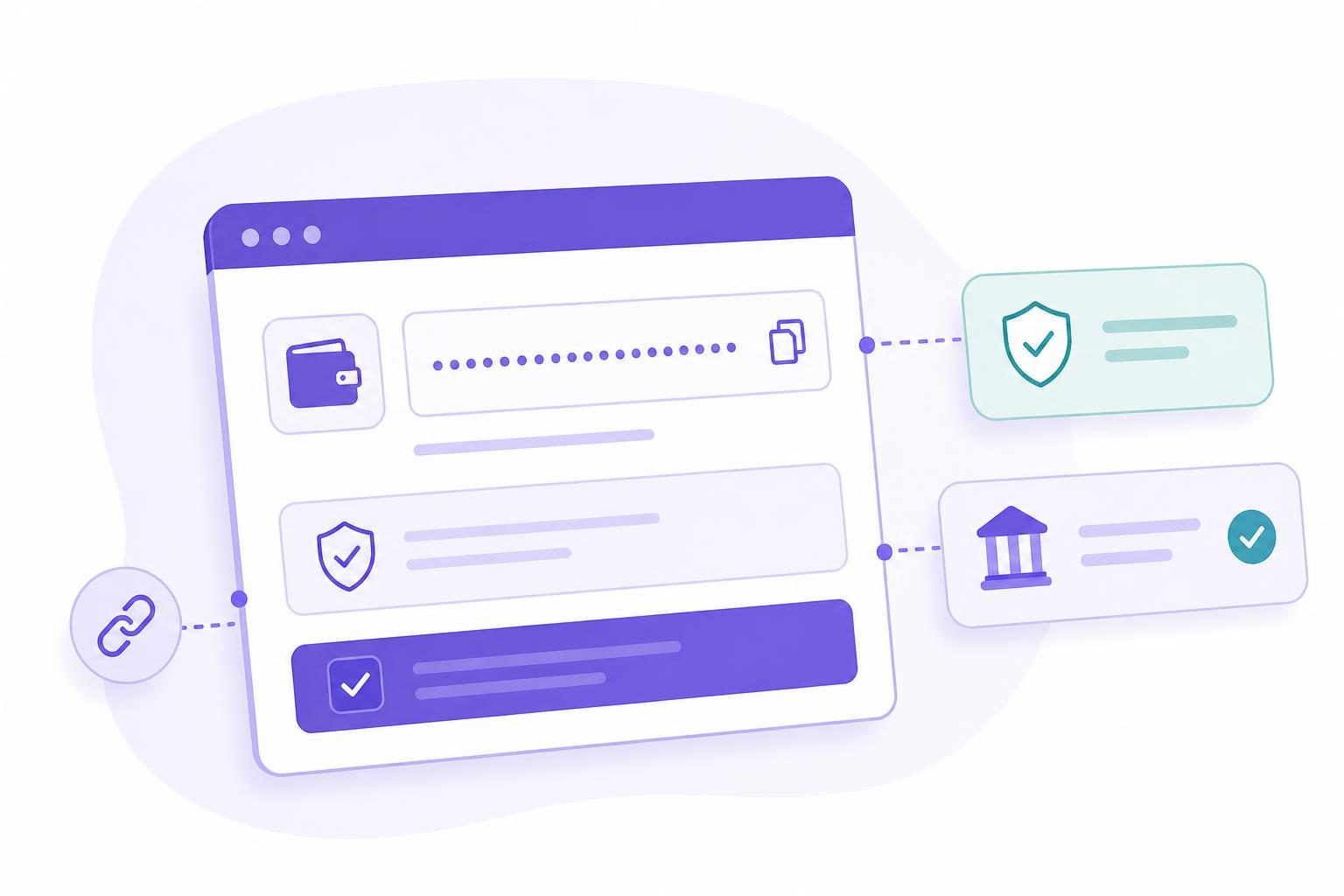
You can move from no settlement wallet to a public address for gateway configuration through one guided WordPress flow, rather than stitching together separate accounts, apps, and a manual copy-and-paste step.
The sensitive part remains where it belongs: with you and the wallet provider’s backup controls. WordPress receives the public address needed for gateway configuration, not private recovery material.
Create or reconnect: Choose a new wallet or reconnect one through the hosted VERIFIED wallet window. Read Privy’s current terms before you continue.
Address review: Review the returned public address before applying it. It identifies a settlement destination; it is not a wallet backup.
Gateway application: Apply the address to your gateways as a separate confirmed step. If an address is already saved on a gateway, it is replaced only after you confirm it. Check the route’s current asset and network requirements first.
If you need support, have your installed plugin version, gateway name, and the final few characters of the public address ready. Never send private keys, recovery phrases, backup material, or sign-in codes to VERIFIED support.
Read the current Wallet Setup with Privy guide before configuring a live gateway.
Clear boundaries matter. Wallet Setup configures a destination address, but it does not make VERIFIED the holder of your wallet or the decision-maker for a customer’s payment.
- WooCommerce runs your store, checkout, orders, and normal fulfillment workflow.
- VERIFIED Crypto Checkout provides payment infrastructure, gateway configuration, and routes to independent hosted providers. It does not handle card data or custody funds.
- Privy provides the optional third-party wallet technology under its own terms and controls.
- Independent hosted providers handle customer KYC, meaning identity checks where required, along with card payment, conversion, and settlement in their hosted flows.
- You protect the wallet backup, review the settlement destination, and remain responsible for store operations and wallet security.
- Your merchant wallet receives eligible settlement directly under the applicable provider flow; VERIFIED does not hold those funds.
Importantly, Wallet Setup with Privy is not a custody service. VERIFIED cannot retrieve a lost backup, settle a dispute, or guarantee a provider decision, network timing, or wallet access. It also cannot reverse an on-chain transfer — a transfer recorded on the blockchain that cannot simply be recalled after it is sent.
For current product material, open the documentation hub, What Is VERIFIED Crypto Checkout? and review the current plugin listing on WordPress.org.
Confirm your installed plugin version and review the gateway route before launch. Creating a wallet does not decide provider eligibility, customer verification requirements, supported countries, or whether a provider accepts a particular payment.
What will actually land in your wallet? Current plugin documentation specifies USDC settlement on Polygon. A provider flow can also result in another stablecoin or a native coin on Polygon, Ethereum, or BNB Chain. Some live pages describe additional hosted-flow payout assets, so confirm the asset and network for the route you enable rather than assuming they apply.
When moving funds, use the click-to-open Move funds to your exchange guide. Native USDC and bridged USDC.e are different tokens. On Polygon, keep some POL for the network fee because a USDC balance alone cannot pay it, then send a small test deposit that meets the exchange minimum before sending more.
Customer verification: A customer’s first use with a provider may require government ID and a liveness check. Returning use with the same provider is usually faster, but neither approval nor timing is guaranteed.
VERIFIED infrastructure fee: Wallet setup carries no extra VERIFIED charge. The hosted card-to-crypto route has a 4% VERIFIED infrastructure fee, and independent providers charge separate conversion fees.
Crypto settlement changes how disputes work, but it does not remove risk.
Crypto settlement does not use a card chargeback process, the card-network route a buyer uses to ask their bank to reverse a payment. Disputes, fraud, fulfillment issues, mistaken addresses, and blockchain risks still remain. Use clear store terms and a fulfillment process that fits your business. Review your store privacy policy and current provider terms before adding a payment route.
Provider eligibility: Independent providers make their own decisions under their terms. Buyer verification, country, product category, and payment method can all affect an outcome.
Customer payment methods: Customers can pay through hosted providers by card, Apple Pay, or Google Pay where the provider makes that option available. A particular buyer, card, or wallet is never guaranteed acceptance.
Wallet responsibility: Protect the backup and verify the destination address. A public address can receive funds, but it does not give VERIFIED the ability to retrieve or redirect them.
Third-party terms: Privy and every hosted provider operate independently. Read their current terms, privacy information, regional rules, and available controls before using their services.
If your business needs shared approvals, institutional custody, or a formal treasury policy, this flow is not designed for that. Before you switch a live gateway, confirm your installed plugin version, run one small test order, and get sign-off from whoever owns payments in your business. VERIFIED supplies WooCommerce payment infrastructure and wallet-address setup. It is not a payment processor, bank, money transmitter, exchange, acquirer, or custodian. Privy is not affiliated with VERIFIED.
No wallet yet — Choose Privy setup when you want to create a self-custody wallet from WordPress without first opening an outside wallet app or exchange account.
Existing wallet — Use your current wallet when you already control a compatible address and have an established backup process.
Team-controlled wallet — Use a separate approved wallet process when you need shared approvals, institutional custody, or treasury controls.
Backup prerequisite — Choose either self-custody path only when you can keep recovery material outside WordPress. If you are ready to test, install VERIFIED Crypto Checkout from WordPress.org and open the Wallet Setup guide before changing a live gateway.
Card-to-crypto checkout is a separate hosted route in the same plugin. It routes customers to independent providers that handle KYC where required, card payment, conversion, and settlement directly to your merchant wallet. VERIFIED never handles card data or custodies funds. Providers may offer card, Apple Pay, or Google Pay, but approval is not guaranteed.
Wallet Setup with Privy FAQs
| Question | Answer |
|---|---|
| What version do I need for Wallet Setup with Privy? | Wallet Setup with Privy is documented as available since VERIFIED Crypto Checkout 1.57.5. Review the current WordPress.org listing and your installed version before changing a live settlement configuration. |
| Can I create a wallet without a prior Privy account? | Yes. The hosted VERIFIED wallet window lets you sign in with Privy and create a wallet without an existing Privy account. Privy controls its own sign-in and wallet process under its terms. |
| Can I reconnect a wallet I already use? | Yes. The flow supports creating a new wallet or reconnecting one you already control. Review the returned address before applying it to a production gateway. |
| Can I change the saved wallet address later? | Yes. Applying the returned address to your gateways is a separate step you confirm. If a gateway already has an address, it is replaced only after you confirm the change. |
| What settlement asset will I receive? | Current plugin documentation specifies USDC settlement on Polygon. Depending on the provider flow, settlement can also arrive as another stablecoin or native coin on Polygon, Ethereum, or BNB Chain. Confirm your route before launch. |
| Is Wallet Setup with Privy free? | VERIFIED charges no separate fee for optional wallet setup or access. The hosted card-to-crypto route has a separate 4% VERIFIED infrastructure fee, and providers charge their own conversion fees. |
| What should I do before using a new wallet in production? | Back up the wallet through Privy’s supported controls, verify the complete public address, then place one small gateway test payment. Check what arrives and its network before using the address for live settlement. |
| Will the wallet still work if I uninstall the plugin? | The wallet is separate from the plugin. The hosted wallet page remains available after plugin removal, and an exported key can be imported into a compatible app such as MetaMask. An imported account needs its own backup because an app recovery phrase may not cover it. |
| What information should I keep private? | Keep private keys, recovery phrases, sign-in codes, access tokens, and wallet backups private. Do not send them to VERIFIED support or to anyone who asks for them. |
| What does the plugin keep in WordPress? | The plugin stores the public address plus a local administrator-only change log of accepted terms version, acceptance time, and backup choice for 365 days. It never saves private keys, Privy secrets, or access tokens. Temporary setup records expire within 16 minutes. |
| Where do I find current Wallet Setup instructions? | Open the current documentation: Read the Wallet Setup with Privy guide for the full setup steps. |