
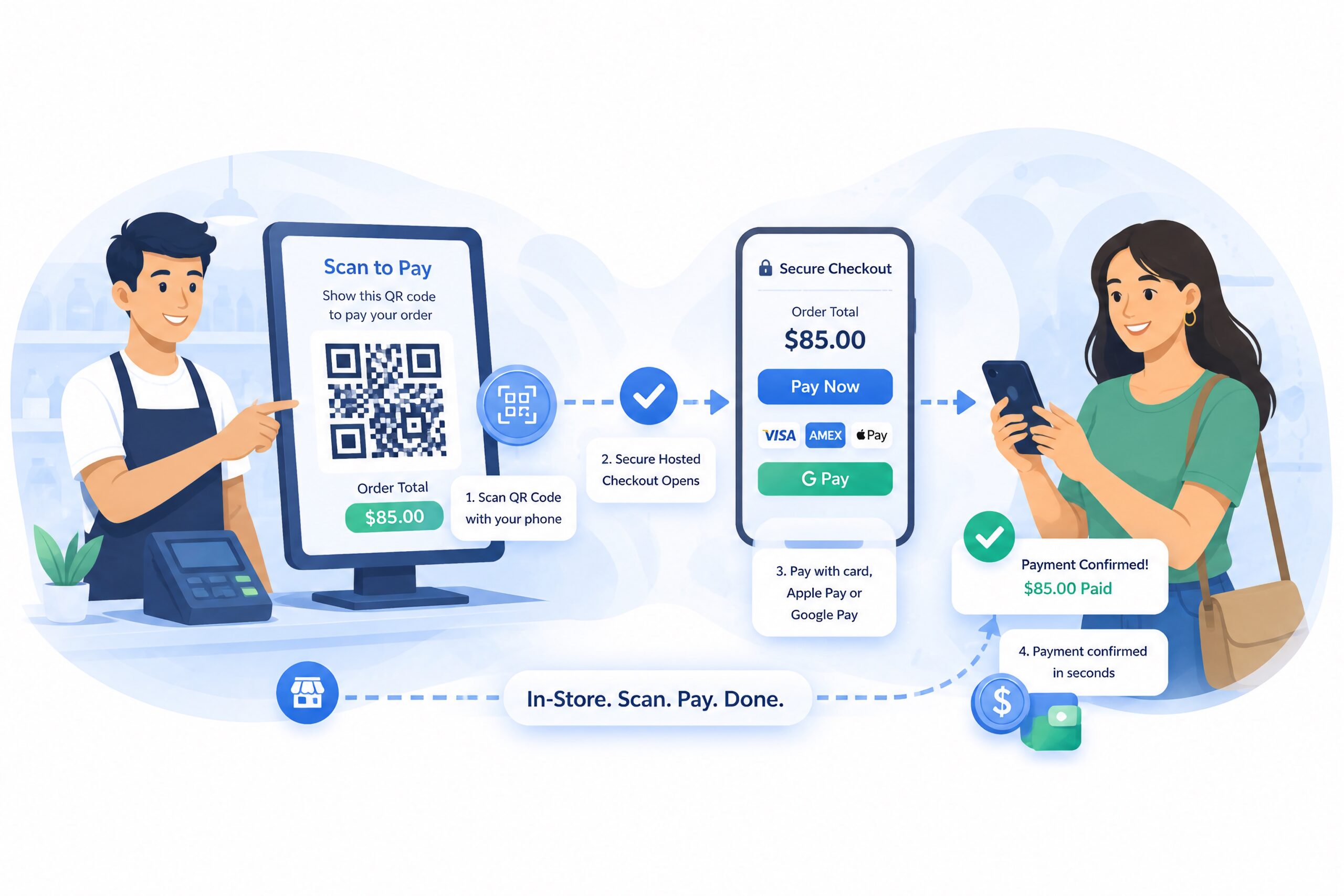
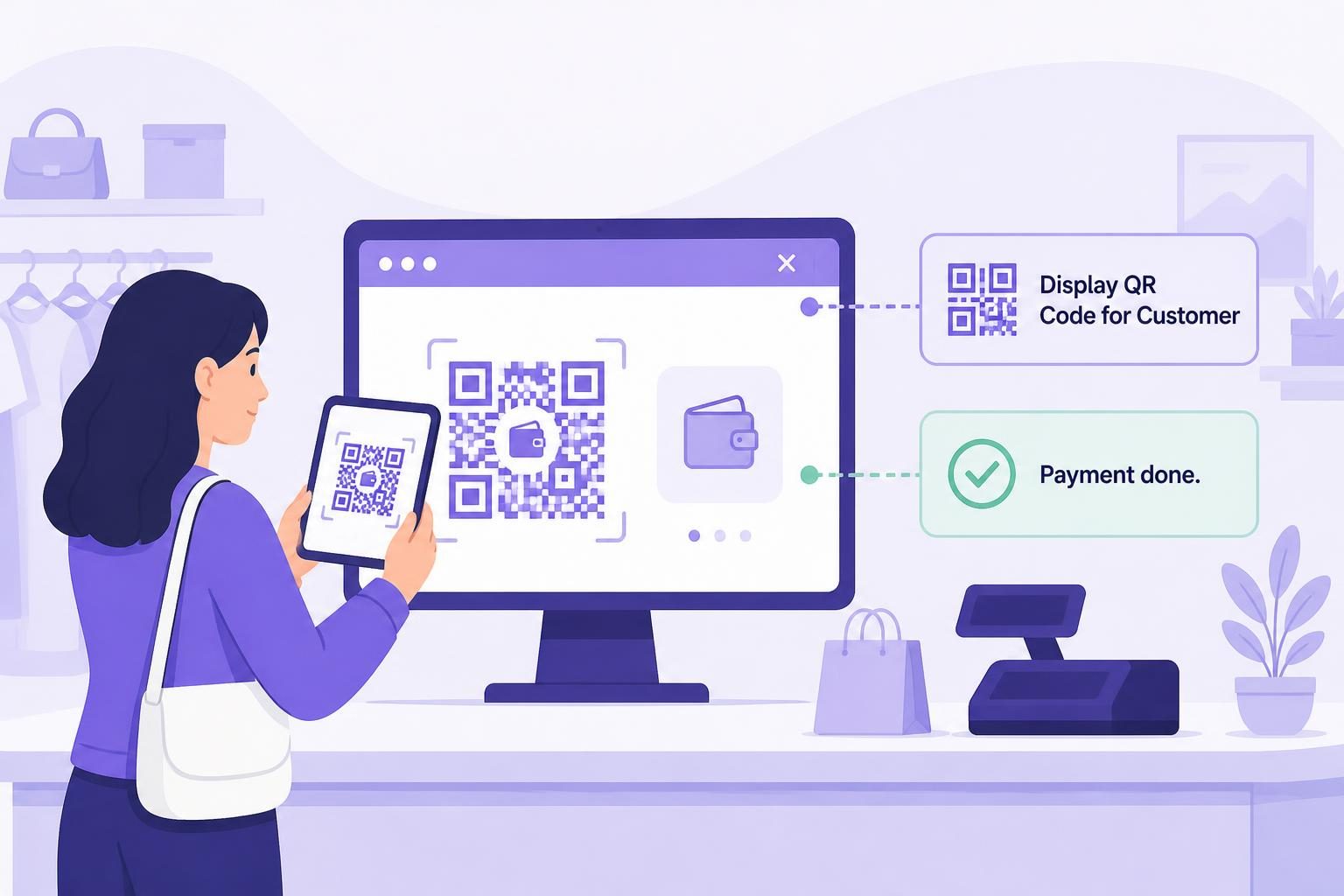
Display a QR code. Customer scans. Payment done.

Turn any WooCommerce order into a scan-to-pay experience. Show a QR code on your screen — customers scan with their phone, complete payment on a secure hosted checkout page, and your order updates automatically. No terminal, no POS hardware, no merchant account.
- No Merchant Account or POS Hardware Required
- Generate a Payment QR Code Instantly from Any Order
- Accept In-Person Card Payments, Apple Pay, and Google Pay
- Works for Custom Orders, Events, and Counter Payments
- One-Click Secure QR Payment — Customer Pays on Their Own Device
- Payment Settles Directly to Your USDC Wallet
Compatible with WooCommerce — Works With Major Providers
Flexible Card Payments. Branded Payment Confirmation. Direct Wallet Settlement.
Includes a merchant-branded Thank-You Page with a live payment waiting room and detailed receipt, Subscription Products, Automated Checkout Recovery, Payment Links, and In-Person QR Payments. Also get FREE Zelle, Venmo, & CashApp payments.
VERIFIED connects your WooCommerce store to secure third-party hosted checkout providers. Customers complete payment on the provider’s hosted page, while the optional branded waiting room monitors the WooCommerce order and becomes a receipt when payment is confirmed.
Settlement is delivered directly to your configured wallet. WooCommerce records the order status, transaction details, and available on-chain tracking data for fulfillment and reconciliation.




Frequently Asked Questions
| Question | Answer |
|---|---|
| Can WooCommerce accept in-person QR code payments? | Yes. VERIFIED Crypto Checkout adds a QR code payment tool to the WooCommerce order edit screen. Open any unpaid order, click Display QR Code for Customer, and the customer scans and pays on their phone through a secure hosted checkout page. |
| Do I need a POS system or card reader to accept in-person payments in WooCommerce? | No. VERIFIED Crypto Checkout’s QR payment feature requires no hardware. Your laptop, tablet, or phone screen displays the QR code. The customer scans it with their own device to pay. |
| Do I need a merchant account for WooCommerce QR code payments? | No. Payments are processed by independent licensed on-ramp providers. You do not need a traditional merchant account, and there is no underwriting, reserve requirement, or chargeback exposure. |
| Do customers need crypto to pay with a QR code? | No. Customers pay with their regular credit card, debit card, Apple Pay, or Google Pay. The crypto conversion to USDC happens automatically at the provider level — customers never need to hold or purchase cryptocurrency. |
| What happens after the customer scans the QR code? | Their phone camera opens the secure hosted checkout page in a browser. They complete payment using their preferred method. After on-chain confirmation, the WooCommerce order status updates automatically. |
| Are QR code payments in WooCommerce secure? | Yes. All card entry and payment processing happens on the provider’s secure hosted checkout page. No card data touches your WooCommerce site or server. The QR code itself is a tokenised link that expires after seven days. |
| Can I use QR payments for cancelled or manually created WooCommerce orders? | Yes. The QR payment tool works on all unpaid orders including pending, on-hold, failed, and cancelled orders. For cancelled orders, the plugin automatically moves the order to pending payment before generating the QR so the link can be redeemed. |
| What if the customer doesn’t scan the QR code in time? | Payment links and QR codes generated by VERIFIED Crypto Checkout are valid for seven days or if the order is paid. If the session expires before the customer pays, you can generate a fresh QR code from the same order with one click. |
| Is there a difference between WooCommerce QR code payments and payment links? | They use the same underlying secure checkout flow — the QR code and the payment link both point to the same hosted checkout URL. The difference is delivery: QR codes are scanned in person; payment links are sent via email or text for remote payments. |